Returning to the Decision Support Tool
On the CPM-PTS Background Information and Case Link page you will see the following area where you can enter your email address and receive a copy of the completed screener and links to access the background page to update information:
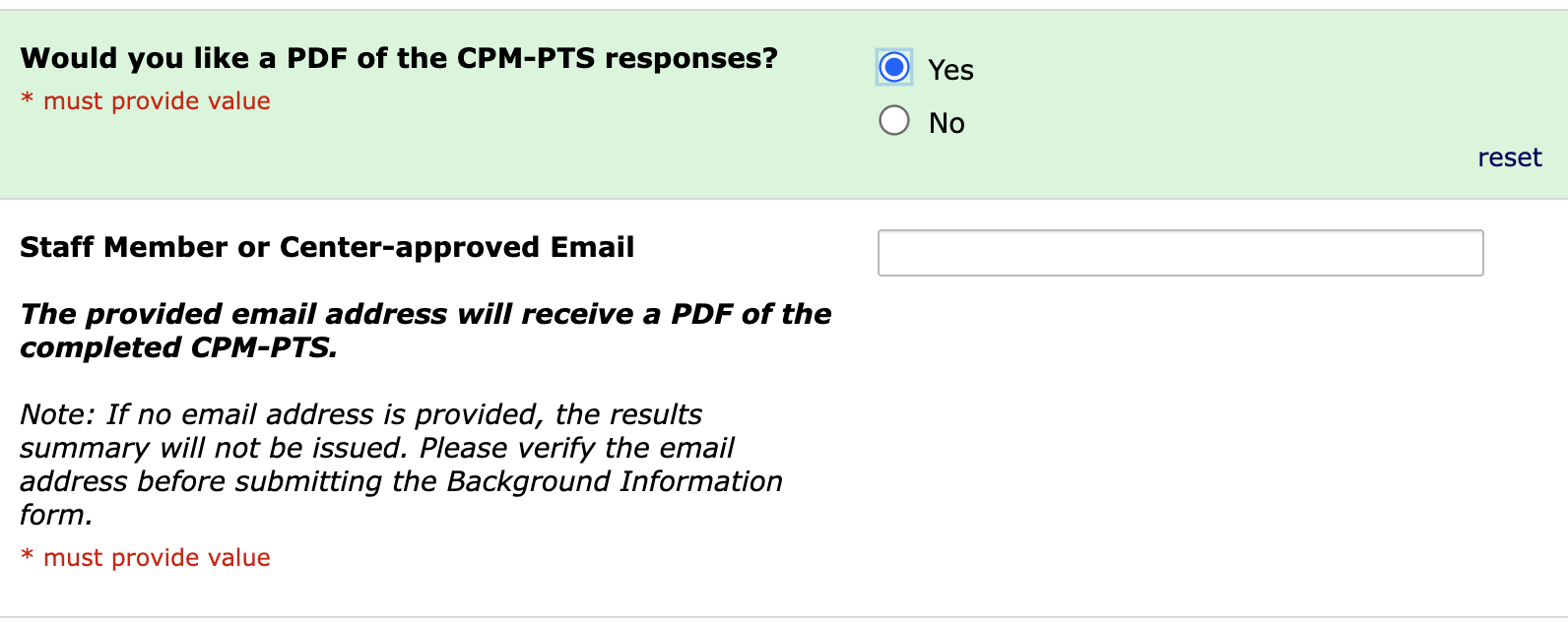
This is at the bottom of the Background Information page: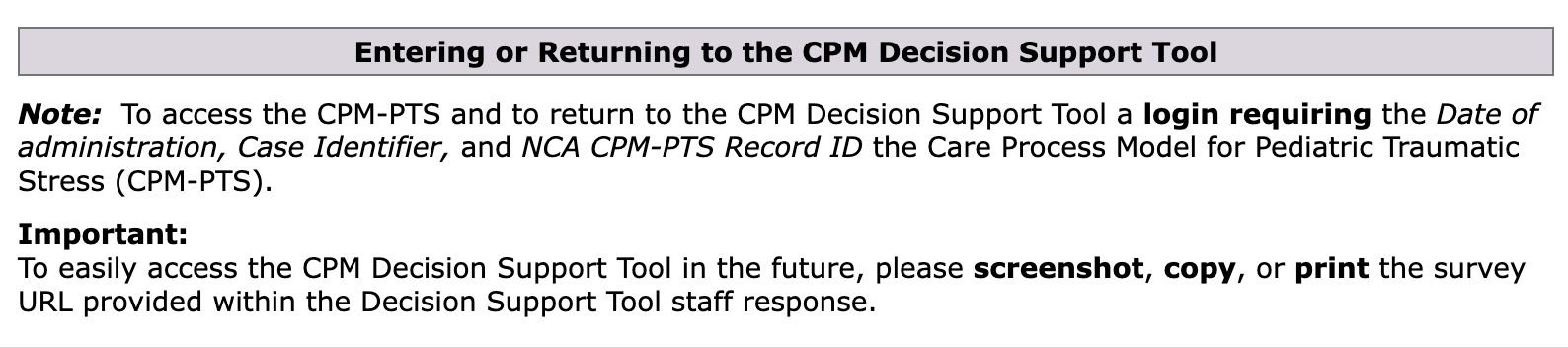
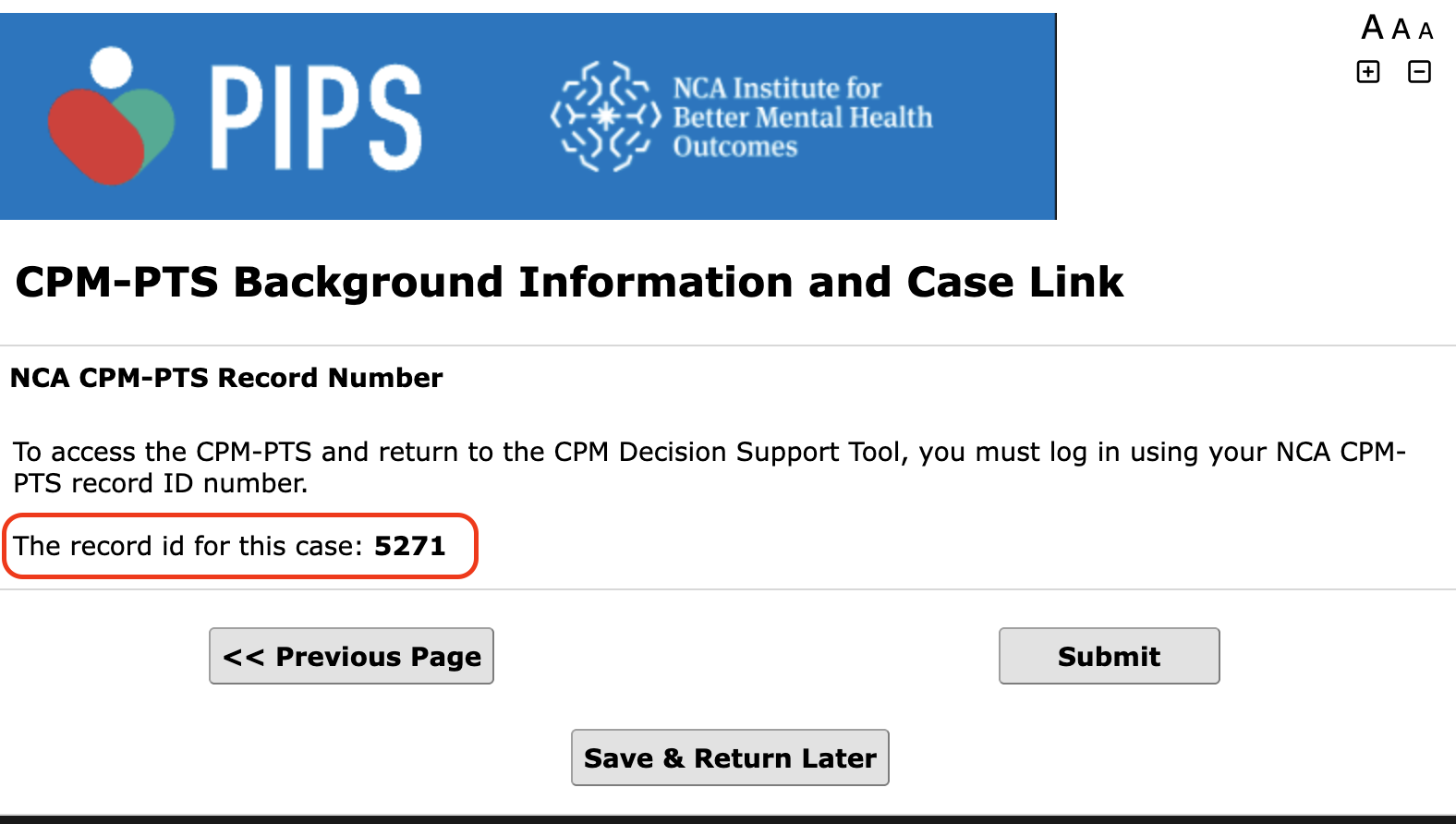
After completing the Background Page the next page will provide the record id for the screener which is used to return to the CPM Decision Tool:
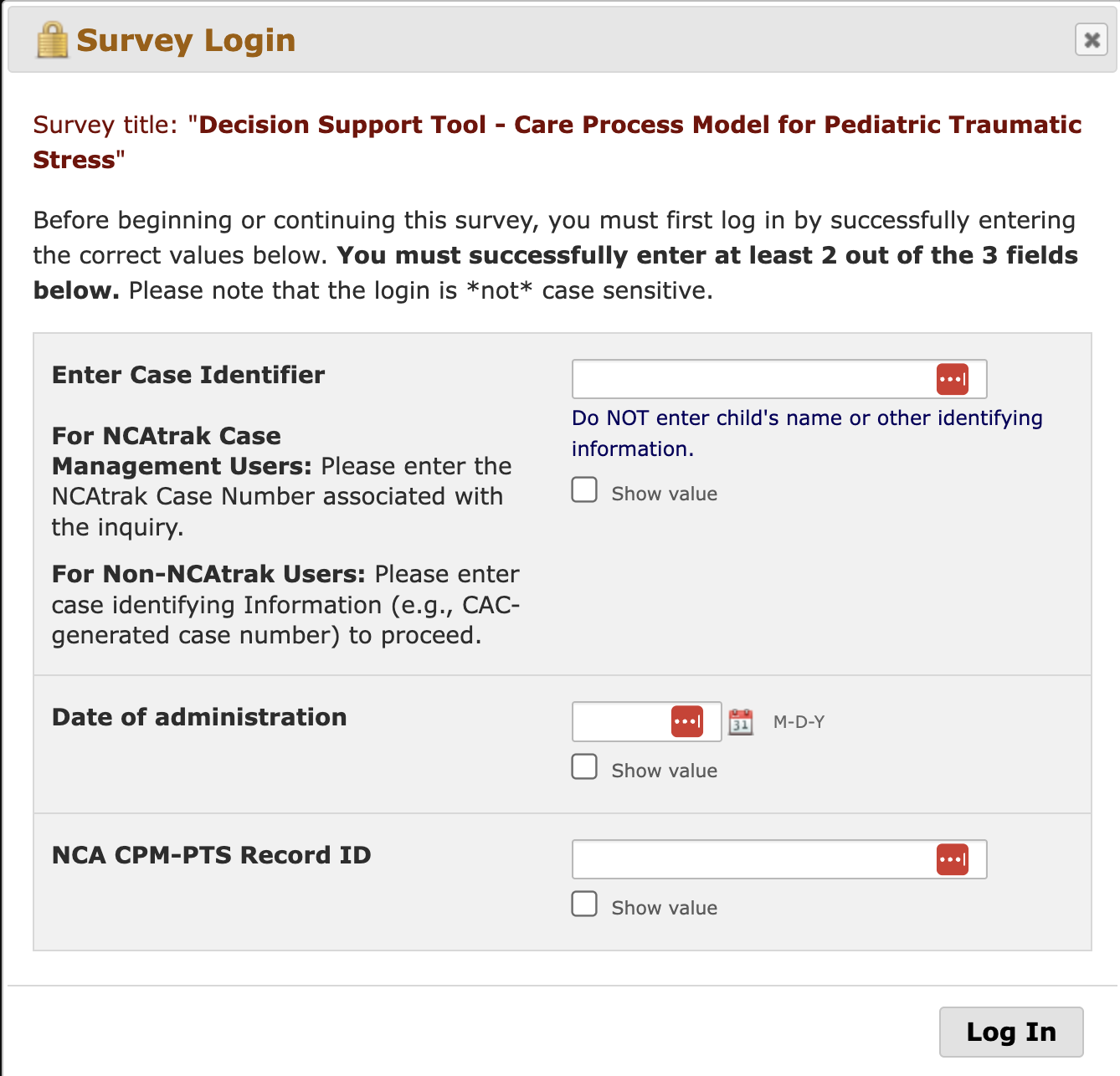
- When the caregiver or youth completes the screener and it is submitted it will load the Survey Login to access the Decision Support Tool.
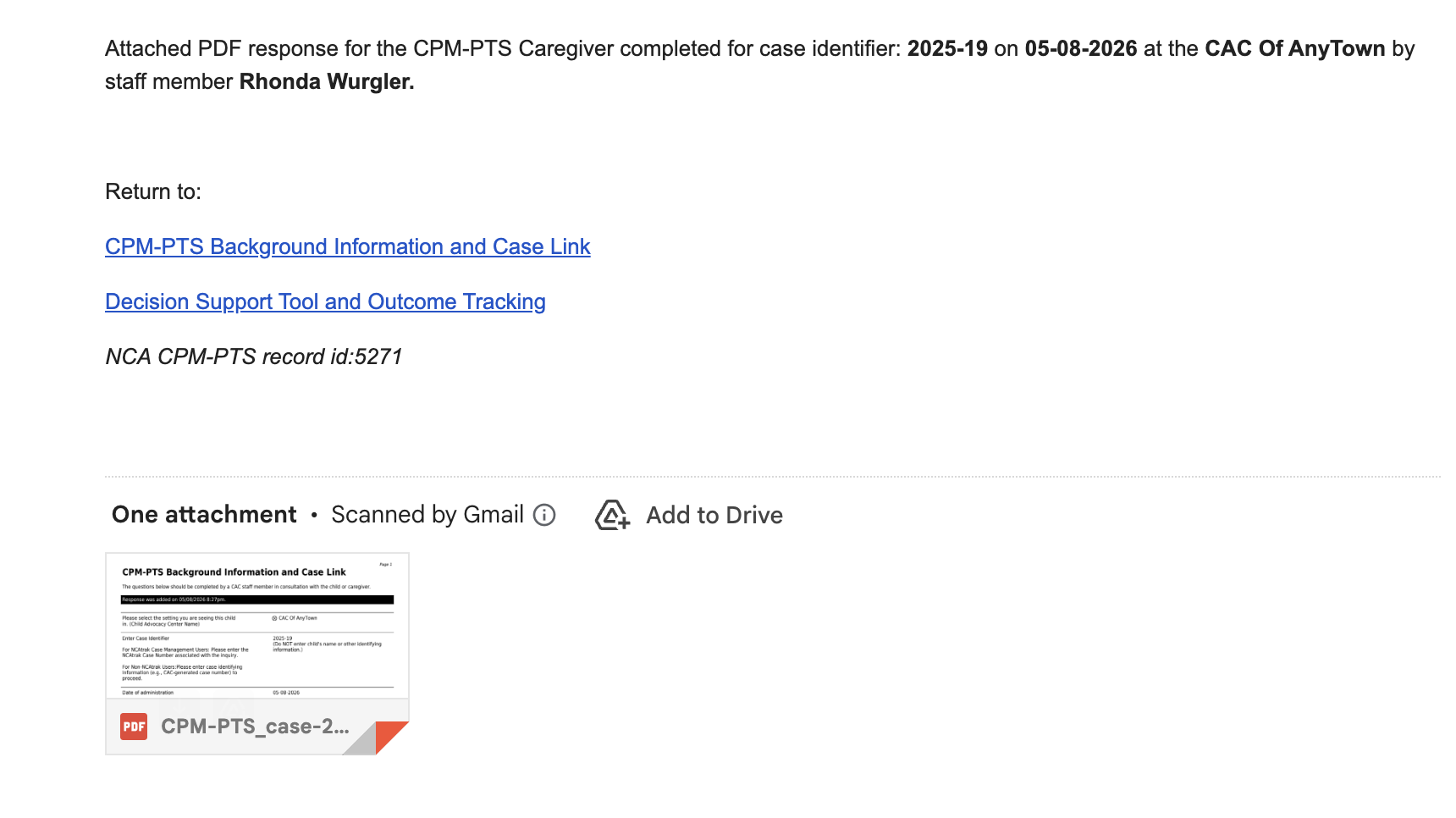
- This is an example of the email you will receive which includes the CPM Background PDF and links to access the Background page or Decision Tool.
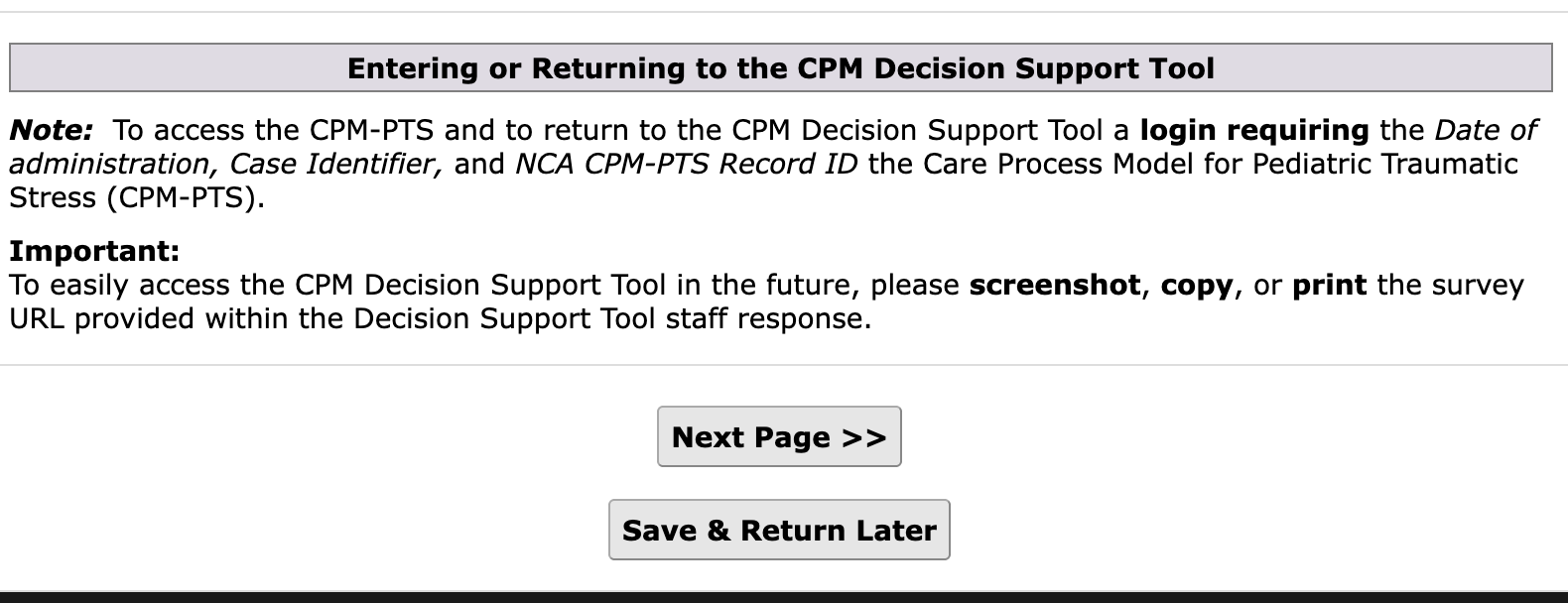
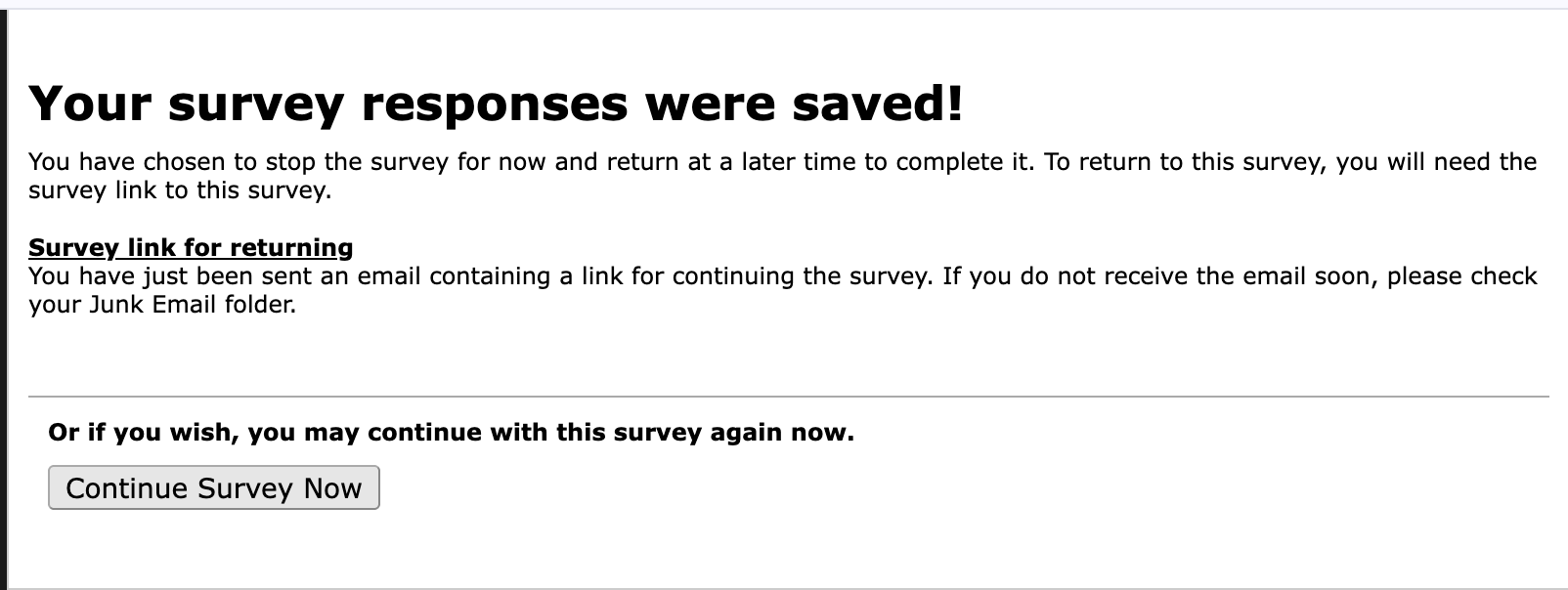
- When you click on CPM-PTS Background and Case Link it takes you back to the original Background Page for the screener where you can update any of the fields including case number. After making edits click Save & Return Later and the edited information will save to the screener background page and you will get the notice that your survey responses were saved. You can click continue to survey or close your browser to leave.
Was this article helpful?
That’s Great!
Thank you for your feedback
Sorry! We couldn't be helpful
Thank you for your feedback
Feedback sent
We appreciate your effort and will try to fix the article